Does your browser display HDR photographs? Two HDR formats and an SDR control.
How to read this page. On an HDR-capable screen the first two images should show
highlights noticeably brighter than this page's white background. The third is an ordinary JPEG and
should never do that — judge the other two against it.
If an image looks flat next to the control, your browser is showing its SDR base and ignoring the
HDR data. That isn't a fault in the file: a gain-map JPEG is designed to degrade to a correct
photograph exactly this way.
On a Mac, the usual cause is the macOS version rather than the browser or the screen — see
what your macOS version decides below.
1 · Gain-map JPEG
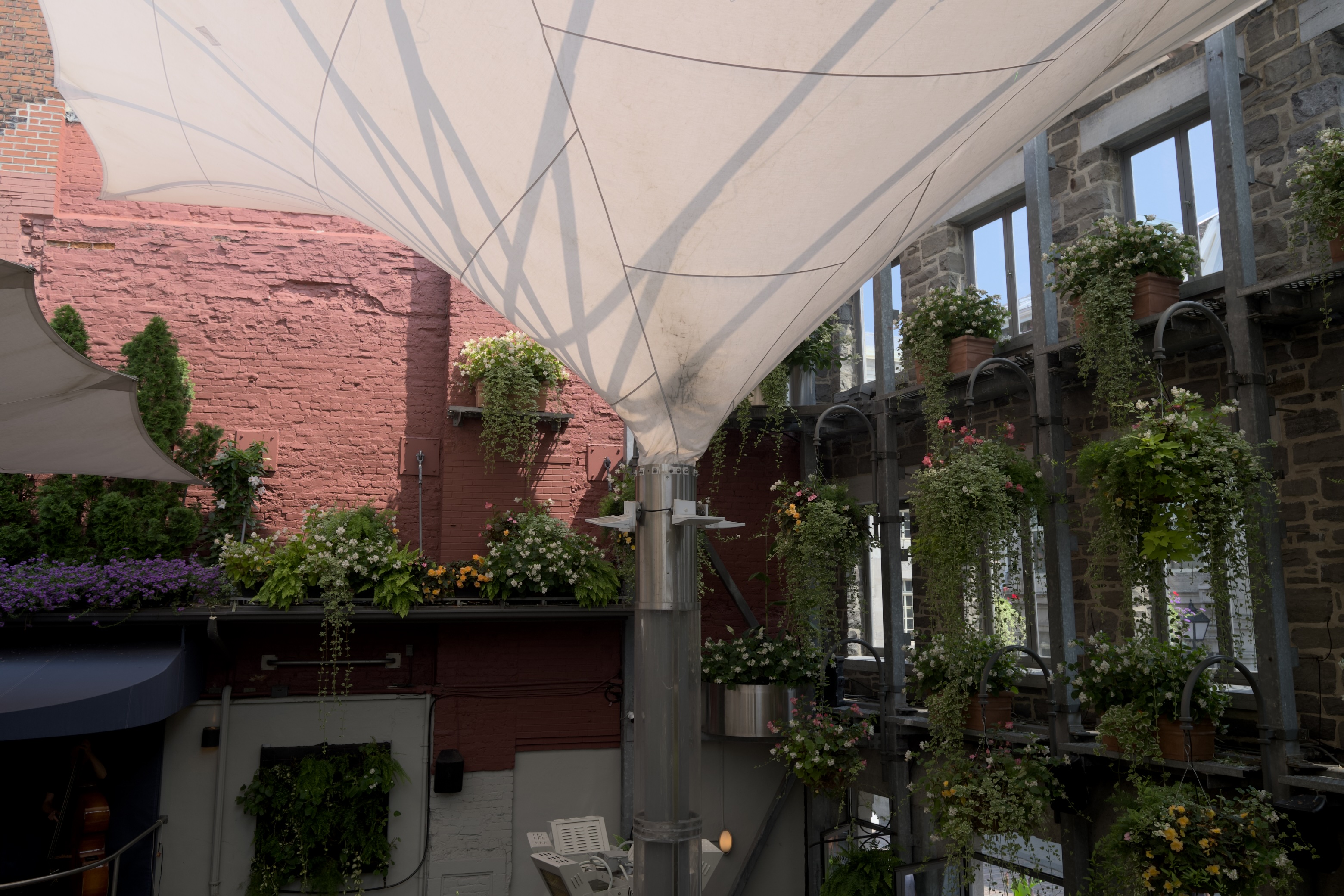
JPEG with an ISO gain map and Ultra HDR signaling
Exported from ApolloOne 4.7.0. An ordinary JPEG carrying a gain map that describes,
per pixel, how much brighter the HDR rendering should be, plus the signaling every current reader
needs: Apple's AROT segment, the ISO gain map, and hdrgm with a
Container:Directory on the primary image for Chrome. Declared headroom 8.20×.
One file that shows HDR where it can and a correct SDR photograph where it can't.
Click the image to open it full size.
2 · AVIF
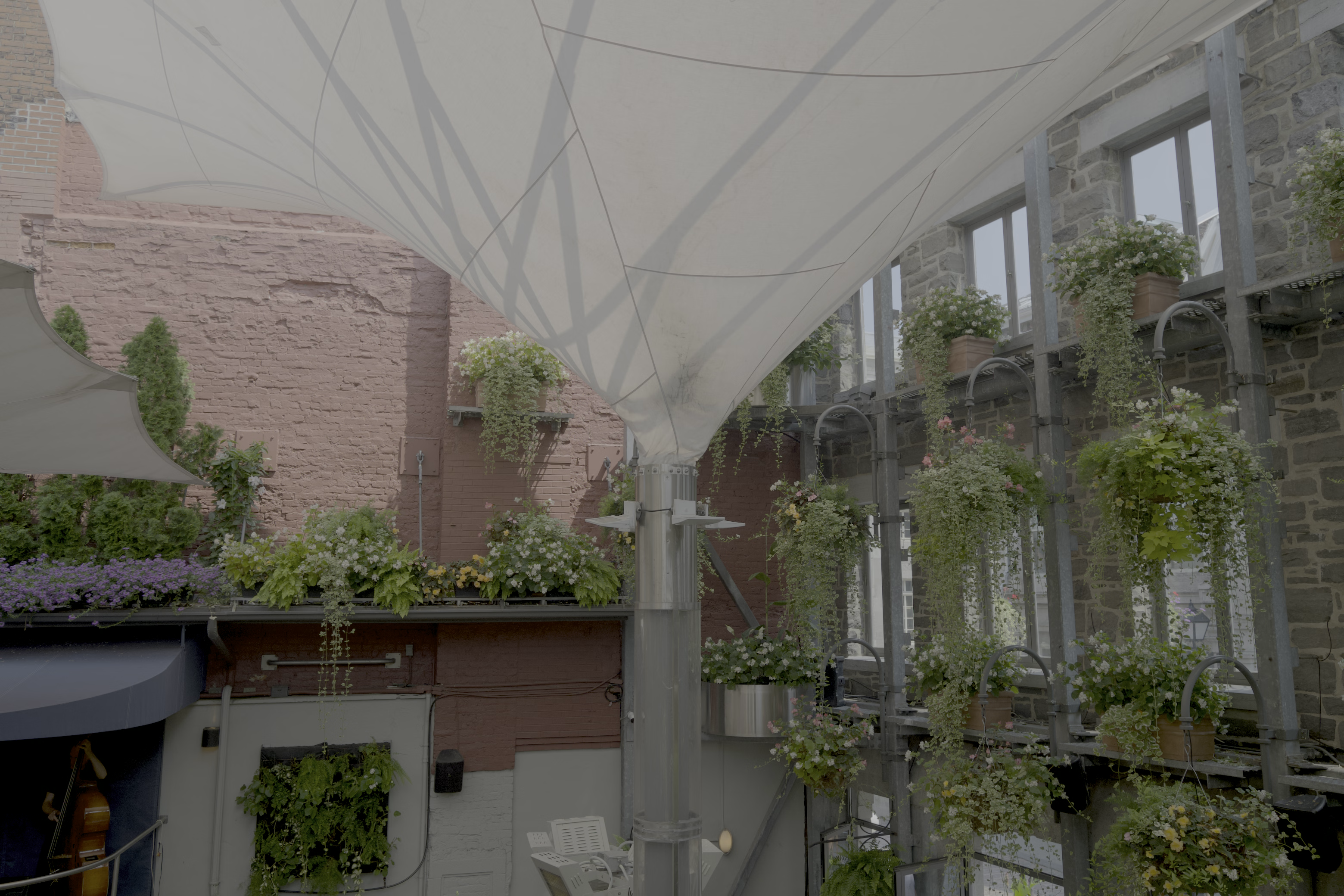
HDR AVIF in PQ — for reference
The same frame exported as AVIF with BT.2020 primaries and the PQ transfer function, signaled
through CICP. No gain map and no SDR fallback, so a browser either understands PQ or it doesn't.
Included as a second opinion: where both render, they should look close.
Click the image to open it full size.
3 · SDR control
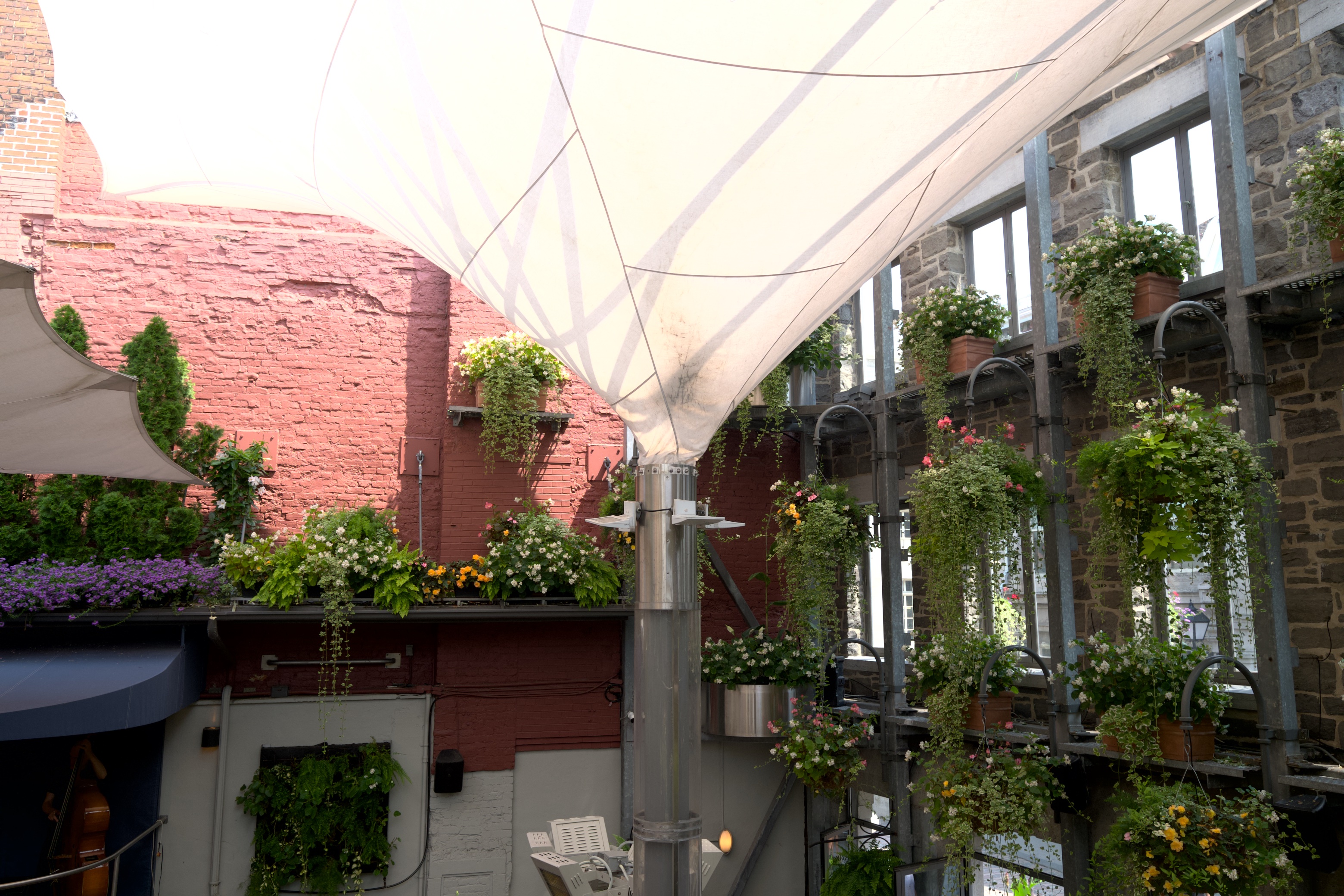
Ordinary JPEG
Plain sRGB, no HDR data of any kind. The baseline.
Click the image to open it full size.
What the result means
What you see
Reading
1 and 2 both brighter than 3
Your browser handles both HDR formats. Nothing to do.
All three alike
No HDR is reaching you. On a Mac this is usually the macOS version
rather than the browser or the screen — see below.
2 brighter, 1 flat
PQ works, gain maps don't. Older Chrome, or a browser that
hasn't adopted gain maps.
1 brighter, 2 flat
Gain maps work, PQ doesn't.
How close 1 and 2 look depends on your display's headroom rather than on the formats. The further
a display falls short of the file's declared range, the more the gain-map version trades highlight
detail for brightness.
On a Mac, your macOS version decides this
If all three images looked alike on a Mac with an HDR-capable screen, the most likely reason is the
operating system rather than the browser or the display.
Safari
Chrome
macOS 15 Sequoia
no HDR at all
HDR works
macOS 26 Tahoe and later
HDR works
HDR works
iOS / iPadOS 26
HDR works
HDR works
Safari on Sequoia does not render HDR photographs in a web page at all — not gain-map JPEG,
not AVIF, no matter how capable the display. It shows the SDR version and gives no indication there
was anything more in the file. Tahoe fixed this, and every release since has kept it.
If you care about seeing photographs as they were made, this is a good reason to move to
Tahoe. The HDR images on this page, and increasingly across the web, are carrying detail your
current Safari is discarding before it reaches your eyes.
Staying on Sequoia for now? Chrome renders HDR correctly there, so you can see what you are
missing without upgrading anything. On iPhone and iPad the current releases handle HDR properly and
nothing needs changing. Firefox does not yet render HDR images on any platform.
Why this matters
A typical RAW file holds as much as four stops of highlight information above SDR white — real
color and real detail that a conventional export discards outright. Whether any of it reaches you
depends on the format it was saved in and on the browser you are reading this in.